Quick Guide
- What Exactly Is a Fishing Camera and Why Do You Need One?
- The Real-World Buying Guide: Forget Specs, Think Use-Case
- Setting It Up Without the Headache: A Step-by-Step Walkthrough
- Reading the Screen: It's Not Always Crystal Clear
- Fishing Camera FAQs: Answering the Real Questions
- Beyond the Basics: Advanced Tips and Tricks
Let's be honest. We've all been there. You're sitting in the boat, staring at the water, wondering if you're casting into a fish-filled paradise or a barren wasteland. Your fish finder shows some blips, but is that a bass or a sunken log? The curiosity kills me every time. That's where a fishing camera comes in. It's like getting a secret window into the underwater world. No more guessing.
I remember my first time using one. It was a cheap, no-name model. The picture was grainy, the cable got tangled, and the fish looked like blurry ghosts. I nearly gave up. But then I borrowed a friend's decent setup. Wow. Seeing a largemouth bass eyeball my lure from three feet away, turn, and suck it in... it changed everything. It wasn't just about catching more fish (though that helped). It was about understanding. Suddenly, I could see how fish reacted to different retrieves, where they were holding near structure, and what the bottom actually looked like.
This guide isn't about pushing the most expensive gear. It's about cutting through the marketing jargon and giving you the straight talk on what a fishing camera can and can't do, how to pick one that won't frustrate you, and how to use it to actually improve your fishing. Whether you're an ice angler staring into a hole or a bass fisherman scoping out a dock, this is for you.
Bottom Line Up Front: A fishing camera is a tool for observation and learning, not a magic fish-catching machine. It answers the "what," "where," and "why" questions that sonar alone often leaves unanswered.
What Exactly Is a Fishing Camera and Why Do You Need One?
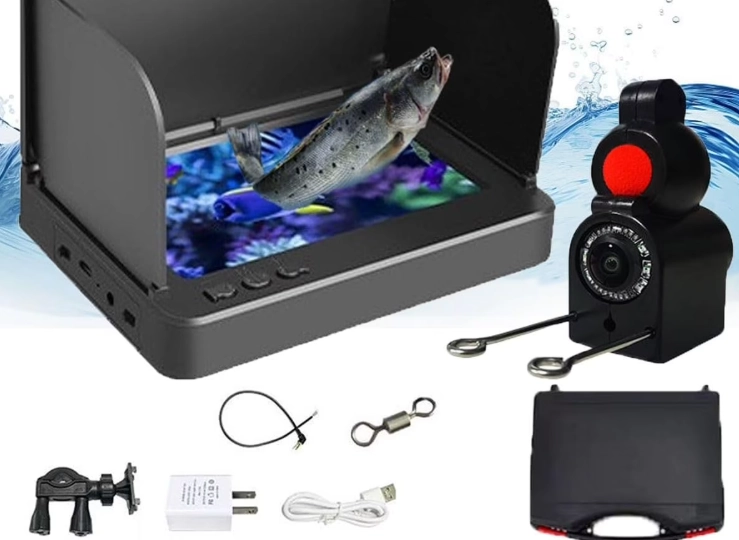
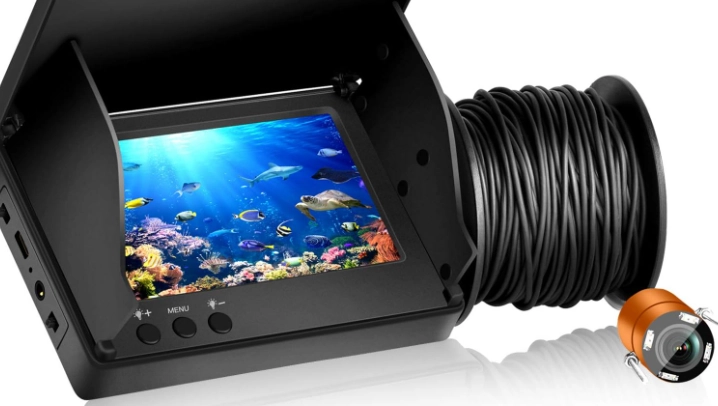
At its core, a fishing camera is a waterproof camera on a cable, connected to a monitor on the surface. You lower it down, and you get a real-time video feed. Simple concept, right? The execution is where things get interesting.
You might think, "I have a fish finder, why do I need this?" Great question. A fish finder (sonar) is incredible for covering large areas, reading depth, and detecting objects/fish in a wide cone beneath you. It's your big-picture tool. A fishing camera is your close-up, detailed inspection tool. It confirms species, shows exact positioning relative to structure (like seeing a fish tucked right under a rock ledge), reveals bottom composition (hard sand vs. soft muck), and lets you watch fish behavior. They complement each other perfectly. Use the sonar to find likely spots, then drop the camera to investigate.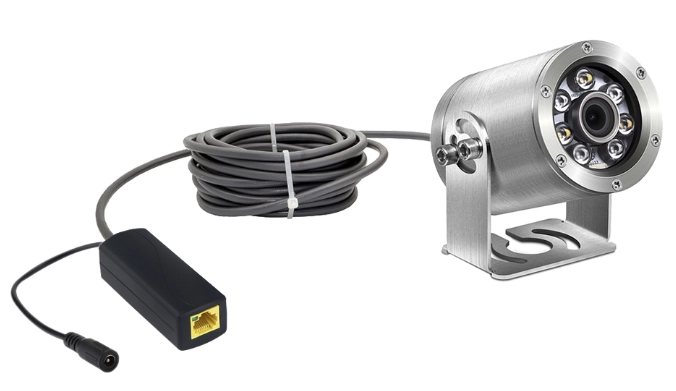
Here’s a quick breakdown of what a good underwater fishing camera offers that other gear doesn't:
- Visual Confirmation: Is that a walleye or a sheepshead? A camera tells you instantly.
- Behavioral Insight: Do the fish ignore your jig? Strike aggressively? Follow but not commit? You can see it and adjust your presentation.
- Structure Mapping: Seeing the exact layout of a brush pile, weed line, or rock pile helps you place casts with precision.
- Pure Entertainment & Education: Especially for kids (or curious adults), it’s mesmerizing to watch the underwater world.
The Real-World Buying Guide: Forget Specs, Think Use-Case
Online product pages are flooded with lumens, TV lines, and sensor specs. For most anglers, that's noise. Let's talk about what actually matters when you're on the water.
First, Be Real About Your Budget
You can spend anywhere from $100 to over $1,000. The super-cheap ones are tempting, but they often have terrible low-light performance, fragile cables, and awful screens. You'll outgrow it in a month. I recommend setting a minimum budget of around $250-$350 for a decent entry-level system that won't make you hate the idea of underwater fishing cameras. The sweet spot for a reliable, feature-packed model for most serious anglers is between $400 and $600.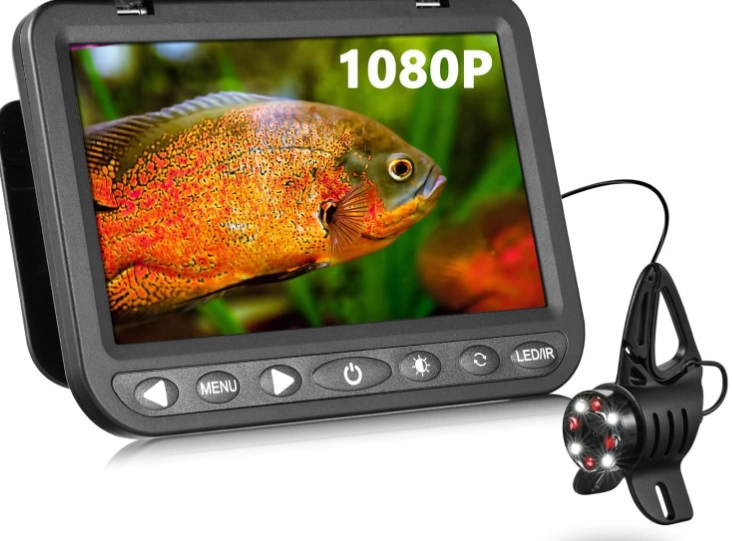
The 5 Features That Actually Make a Difference
- Camera Sensor & Low-Light Performance: This is THE most important thing. Water filters light quickly. A good sensor sees in murky water and deep shade. Look for terms like "SONY Super HAD CCD" or good low-light sensitivity ratings. More expensive cameras have infrared (IR) LEDs for night/depth, but they only work in very clear water—in stained water, they light up all the particles like a snowstorm.
- Screen Quality and Size: A bright, high-resolution screen is crucial for seeing details in sunlight. A 7-inch screen is a great balance between portability and viewability. Touchscreens are nice but can be finicky with wet fingers.
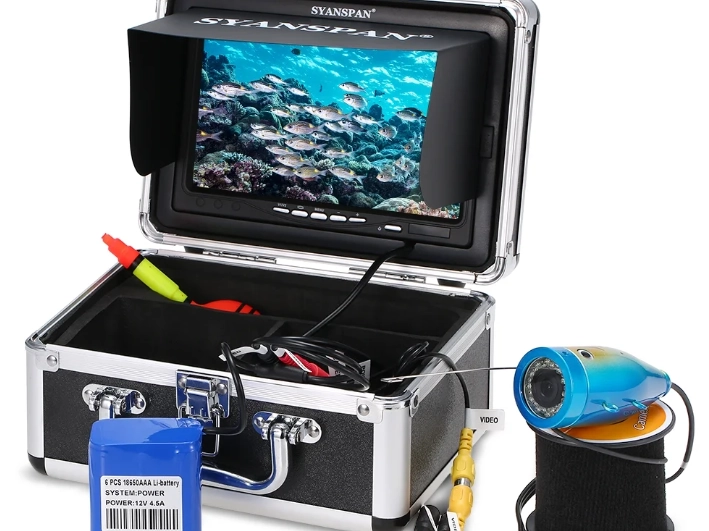
- Cable Length and Quality: Most fishing happens in less than 50 feet of water, so a 50ft cable is standard. For deep lakes or saltwater, look for 100ft+. The cable should be semi-rigid (so it doesn't tangle as easily) but not so stiff it's hard to manage. A built-in depth marker on the cable is a tiny feature that saves huge headaches.
- Battery Life: Nothing worse than it dying halfway through a trip. Aim for systems that advertise 6+ hours of real use. Having a monitor that uses standard external battery packs (like a 12V) is a major plus for all-day trips.
- Mounting Options: How will you set it up? Does it have a versatile mount for your boat's gunwale, a base for ice fishing, or a tripod socket? This is often overlooked until you're trying to balance it on a cooler.

My Personal Pet Peeve: Directional vs. 360-degree rotation. Some cameras have a motorized head you can rotate with a remote. Others you have to rotate the entire cable by hand. The motorized ones sound cool, but they're another thing that can break. For 90% of situations, pointing the camera by gently turning the cable is simpler and more reliable. Just my two cents.
Choosing by Your Fishing Style
Not all fishing cameras are created equal for all situations. Here’s a breakdown:
| Fishing Style | Top Priority | What to Look For | A Good Fit |
|---|---|---|---|
| Ice Fishing | Compact, easy setup in cold, low-light vision | Small monitor, excellent low-light sensor, built-in DVR to record, simple mounting base for the hole. | Aqua-Vu Micro series, MarCum cameras. Portability is king here. |
| Bass/Boat Fishing | Versatility, screen visibility in sun, durable cable | Bright 7"+ screen, semi-rigid cable, versatile boat mount, good battery life. | Aqua-Vu HD series, SeaLife Underwater cameras. You need a robust system. |
| Bank/Pond Fishing | Portability, simplicity, all-in-one package | Lightweight, maybe a combined monitor/DVR, carrying case, shorter cable (30ft is often enough). | Budget-friendly models from Eyoyo or Boblov. Keep it simple. |
| Saltwater Fishing | Durability against corrosion, longer cable | Fully sealed corrosion-resistant camera head, robust cable, 100ft+ length for deeper drops. | Higher-end Aqua-Vu or specific marine models. Don't skimp here. |
Setting It Up Without the Headache: A Step-by-Step Walkthrough
Okay, you've got your new gear. Here's how to not mess it up on the first trip.
Pre-Trip Prep: Charge everything fully. Familiarize yourself with the controls at home, not on a rocking boat. Attach any weights or stabilizers to the camera head if provided—they keep it from spinning in currents.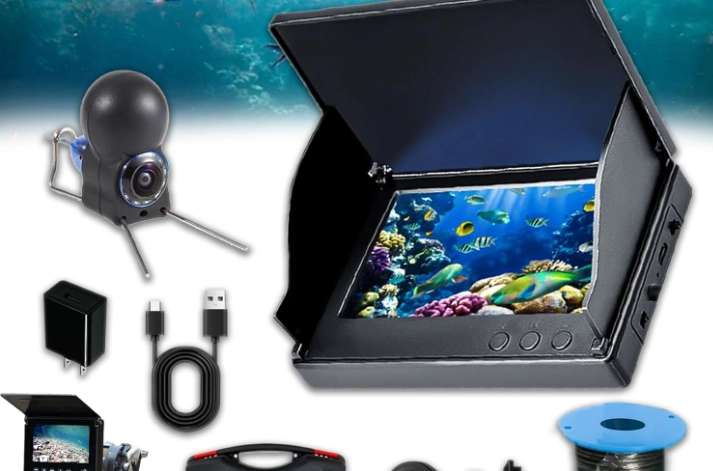
On the Water Deployment:
- Secure the Monitor: Use the mount to attach it firmly to your boat or set it on a stable, dry surface. You don't want it taking a swim.
- Connect & Power On: Plug the camera cable into the monitor and turn it on. Do a quick check to make sure the image is clear before lowering.
- The Gentle Lower: Don't just throw the camera overboard. Uncoil the cable smoothly and lower it hand-over-hand. Keep some tension to avoid loops that can snag.
- Finding the Bottom & Adjusting: Lower until you see the bottom. Now, raise it up 1-2 feet. You want the camera just off the bottom for the best viewing angle of fish and structure. If there's current, the camera will lean—you might need to point it upstream.
Pro Tip I Learned the Hard Way: In murky water, get the camera as close to the structure as possible. A foot can be the difference between a green blur and seeing individual branches on a Christmas tree.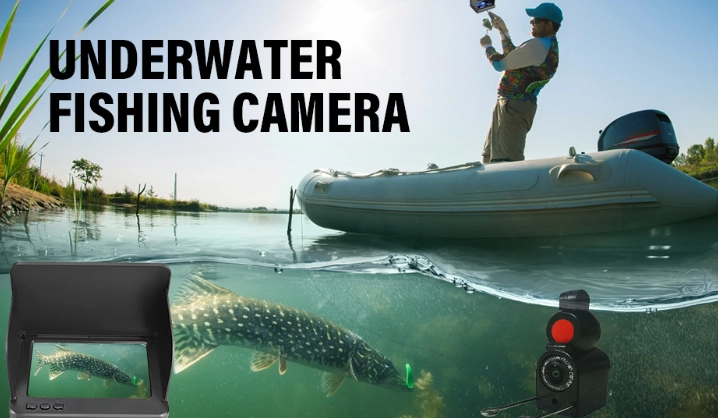
Reading the Screen: It's Not Always Crystal Clear
You won't always get National Geographic footage. Here's how to interpret what you're seeing.
- Murky/Green Water: This is the biggest challenge. The image will have a green or brown tint. Details will be soft. Look for movement and silhouettes rather than fine details. A camera with strong image enhancement features helps here.
- Fish Identification: Look for shapes and behaviors. A panfish darts. A catfish moves slowly along the bottom, often stirring up silt. A bass has a distinct, slower cruising motion with occasional bursts. Tail shapes and body profiles become clearer with practice.
- What the Bottom Tells You: Hard bottoms (rock, gravel) look cleaner and brighter. Soft bottoms (mud, silt) are darker and particles may float up when the camera touches. Weeds are obvious, but note their density and height.
Sometimes, the most valuable info is negative. If you drop the camera on a "hot" spot from your sonar and see nothing but barren bottom for 10 minutes, maybe it's time to move. That's saved me hours of dead-drifting.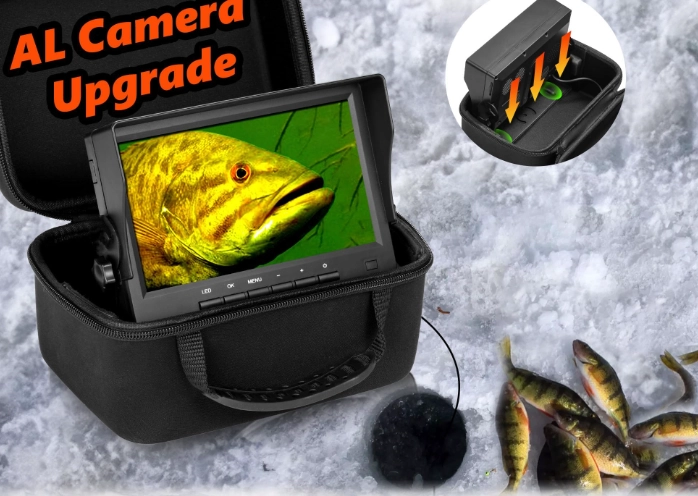
Fishing Camera FAQs: Answering the Real Questions
Beyond the Basics: Advanced Tips and Tricks
Once you're comfortable, try these.
- Scouting New Water: Before you even make a cast, spend 30 minutes cruising likely spots (points, drop-offs, visible structure) and dropping the camera. You'll build a mental map of the best spots.
- The "Lure Cam": Some anglers rig a second, tiny camera directly above their lure. It's complex and expensive, but the footage is mind-blowing. For most of us, just watching fish react to our lure in the main camera's field of view is enough.
- Documentation: Use the DVR function (if you have it) to record interesting behavior or successful presentations. Review it at home to learn patterns.
- Share the Knowledge: Resources like Bassmaster often feature articles on how pros use technology, including cameras, to dissect fisheries. It's worth reading to see how the best in the world apply these tools.
Look, a fishing camera won't make you an instant expert. You still need to know how to fish. But it will accelerate your learning curve like nothing else. It turns mystery into knowledge. You'll stop fishing blind. You'll understand why you got a bite, or more importantly, why you didn't.
That moment of clarity, of seeing the puzzle pieces fit together underwater, is worth the investment. Start with a solid mid-range model, be patient while learning to use it, and I promise your time on the water will become infinitely more interesting and productive. Now go look for those fish.
Reader Comments